Compare / Archee Studio vs AutoCAD
AutoCAD is where you finish. Archee Studio is how you start.
Describe the work, get the calculations, drawing and report, then finish in AutoCAD.
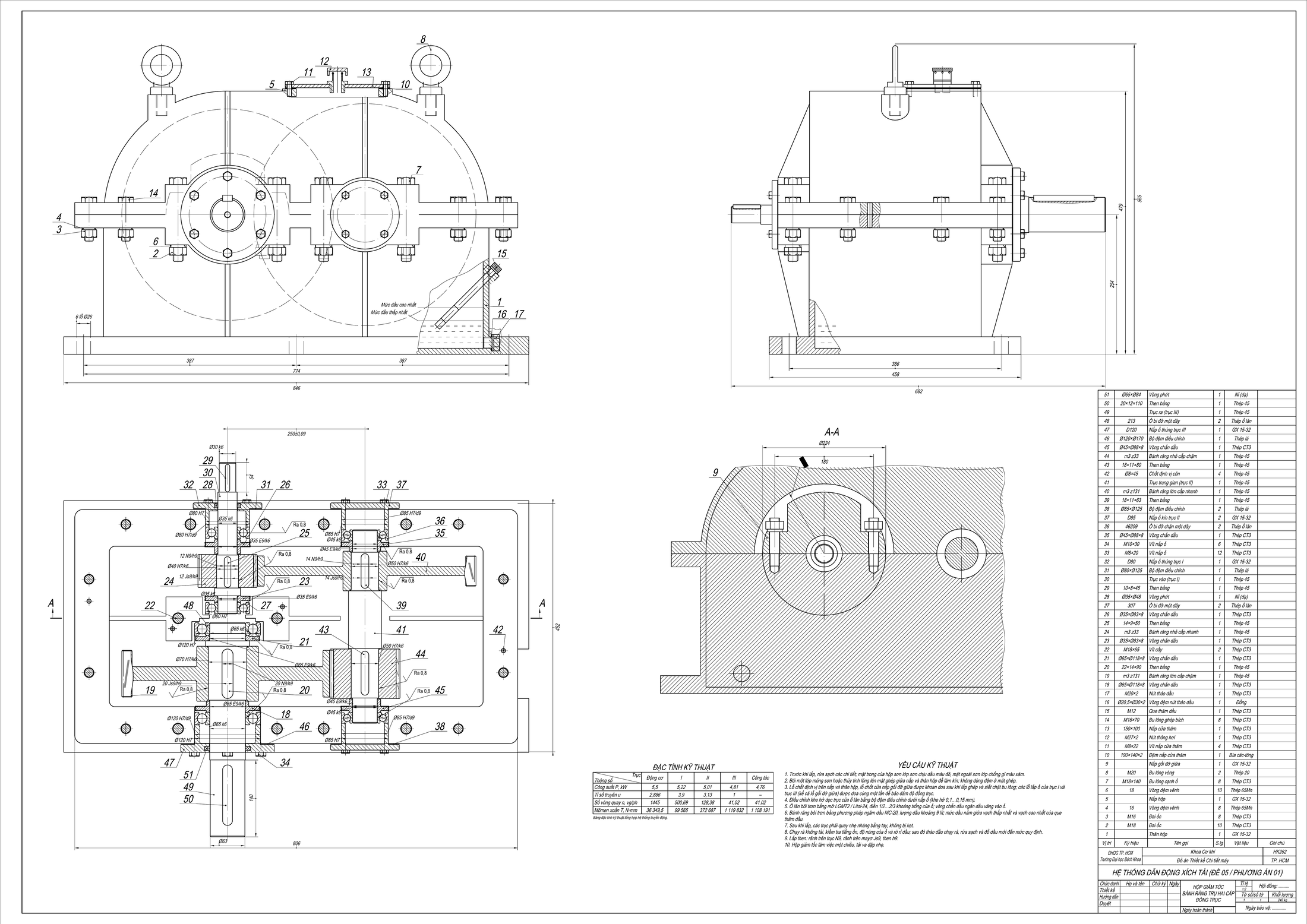 Real output · A0 assembly, our demo run
Who does the engineering work
Side by side
Archee Studio AutoCAD
Pick Archee Studio if
- You have a design problem and a blank sheet
- The report must match the drawing
Pick AutoCAD if
- You draft or correct by hand
- You need native DWG workflows
Questions
Does Archee Studio replace AutoCAD?
No. Our output is DXF that you open and edit in your own CAD. AutoCAD remains the place you read, correct and finish the sheet.
Will the drawings open in AutoCAD?
The sheet holds real drawing objects, not a picture. A co-founder opened our sample pack in AutoCAD 2027 and it opened. If a file fails in your copy, send it to us: that is a bug.
Does AutoCAD have AI?
Yes. Autodesk lists Autodesk Assistant and a Smart Blocks tech preview that converts objects into blocks. Both help you work inside a drawing rather than work out a design from a description.
Sources and disclosure
We make Archee Studio, so read this with that in mind. AutoCAD is a trademark of its owner, and neither it nor its owner is connected with this page. Spotted a mistake? Write to [email protected] and we will correct it.